Put yourself in the Ghost Filter Prank

Upload one adult portrait. We keep the ghost, bathroom scene, action order and camera movement from the fixed template, then replace only the foreground person.

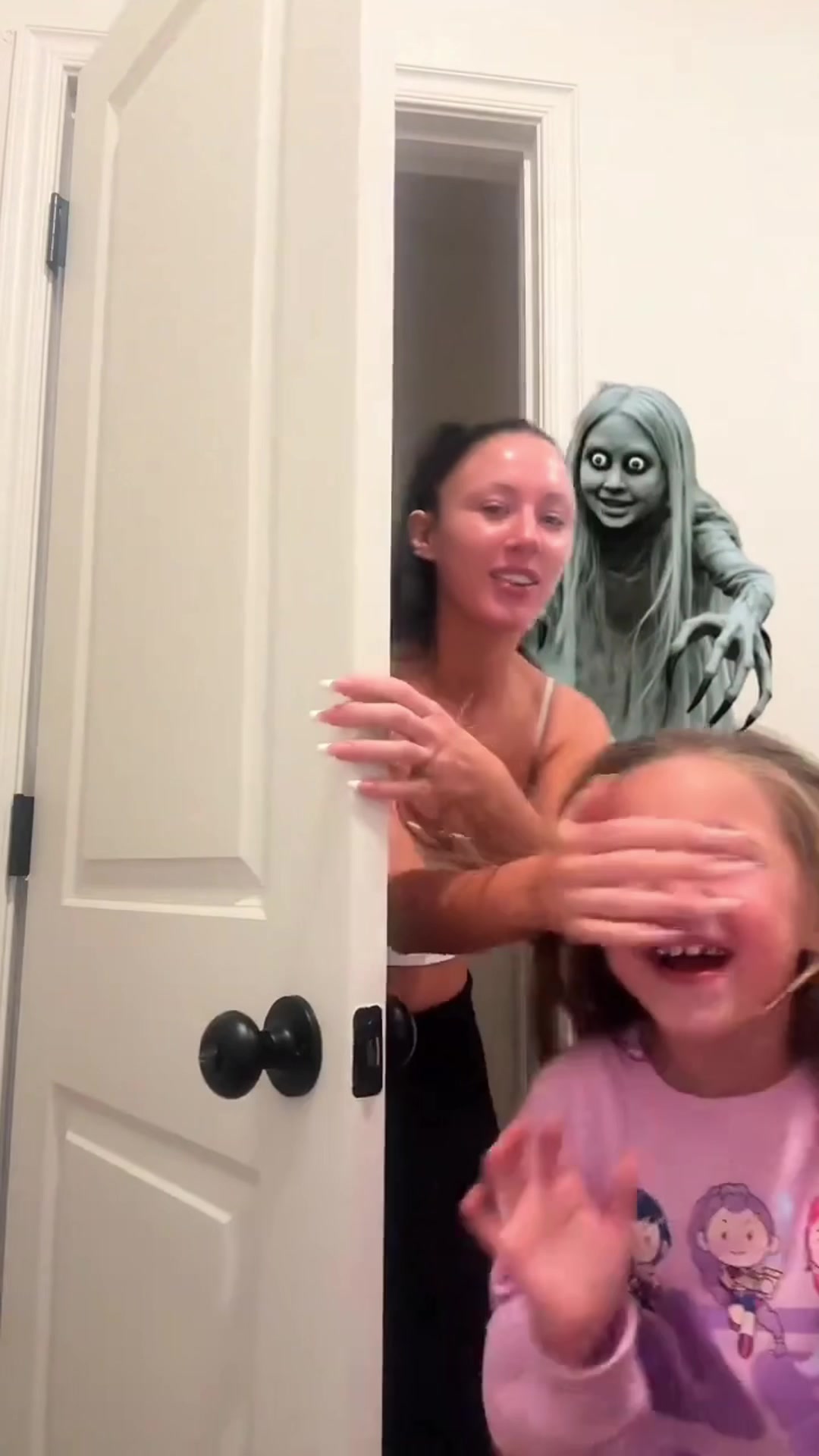
Original Ghost Filter Prank TikTok by sweetheart98123
Original TikTok excerpt
Fixed AI template

Original vs template · autoplay · muted · Original TikTok

YOUR PHOTO

Create your prank

Preview stays local until you start generation
Video quality
8 sec · 9:16 · Template audioEst. $0.90

Use one clear, front-facing adult portrait.

Final provider charge is returned with the task. No site credit is deducted in this local pilot.
Clip8 seconds
Output9:16 vertical MP4
SoundTemplate audio
PrivacyLocal preview before Generate

GHOST FILTER PRANK, ONE ADULT PORTRAIT, FIXED GHOST, BATHROOM SCENE, 8 SECONDS, 9:16 VIDEO, TEMPLATE AUDIO

THE FORMAT

A familiar scare. This time, you are in it.

The Ghost Filter Prank is built around a person reacting to a ghost appearing in a bathroom scene. This remake keeps the approved template sequence and swaps only the foreground adult.

Read the trend explainer

REFERENCE CLIPS

Know what stays before you generate

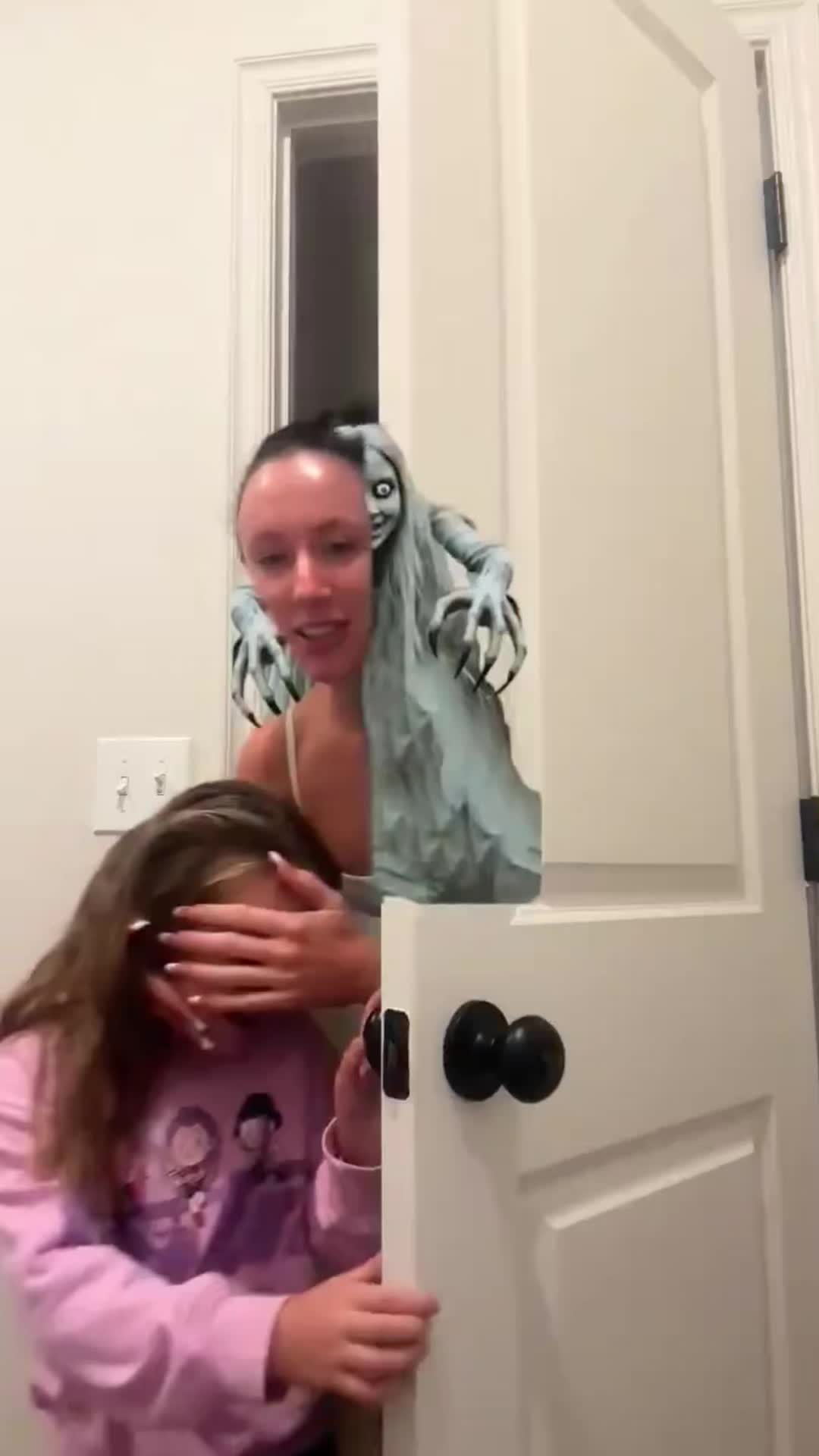
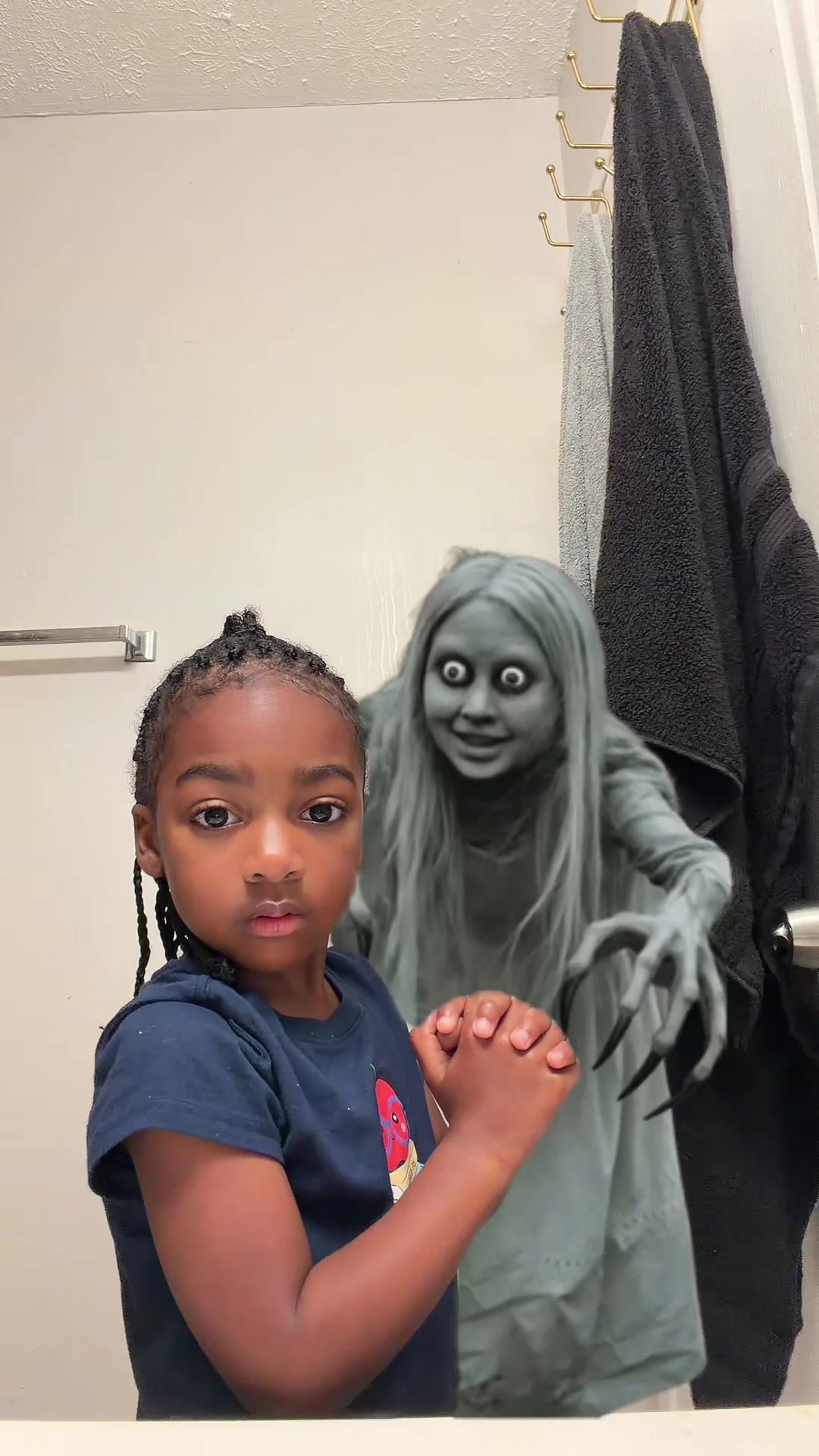
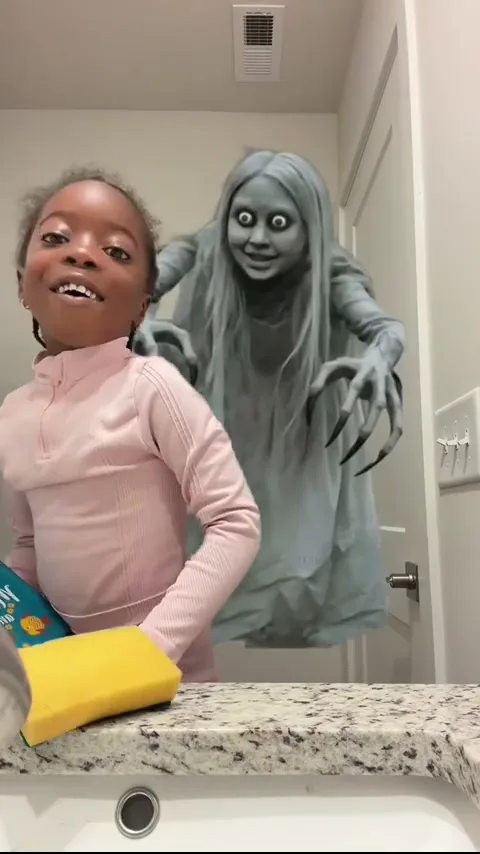
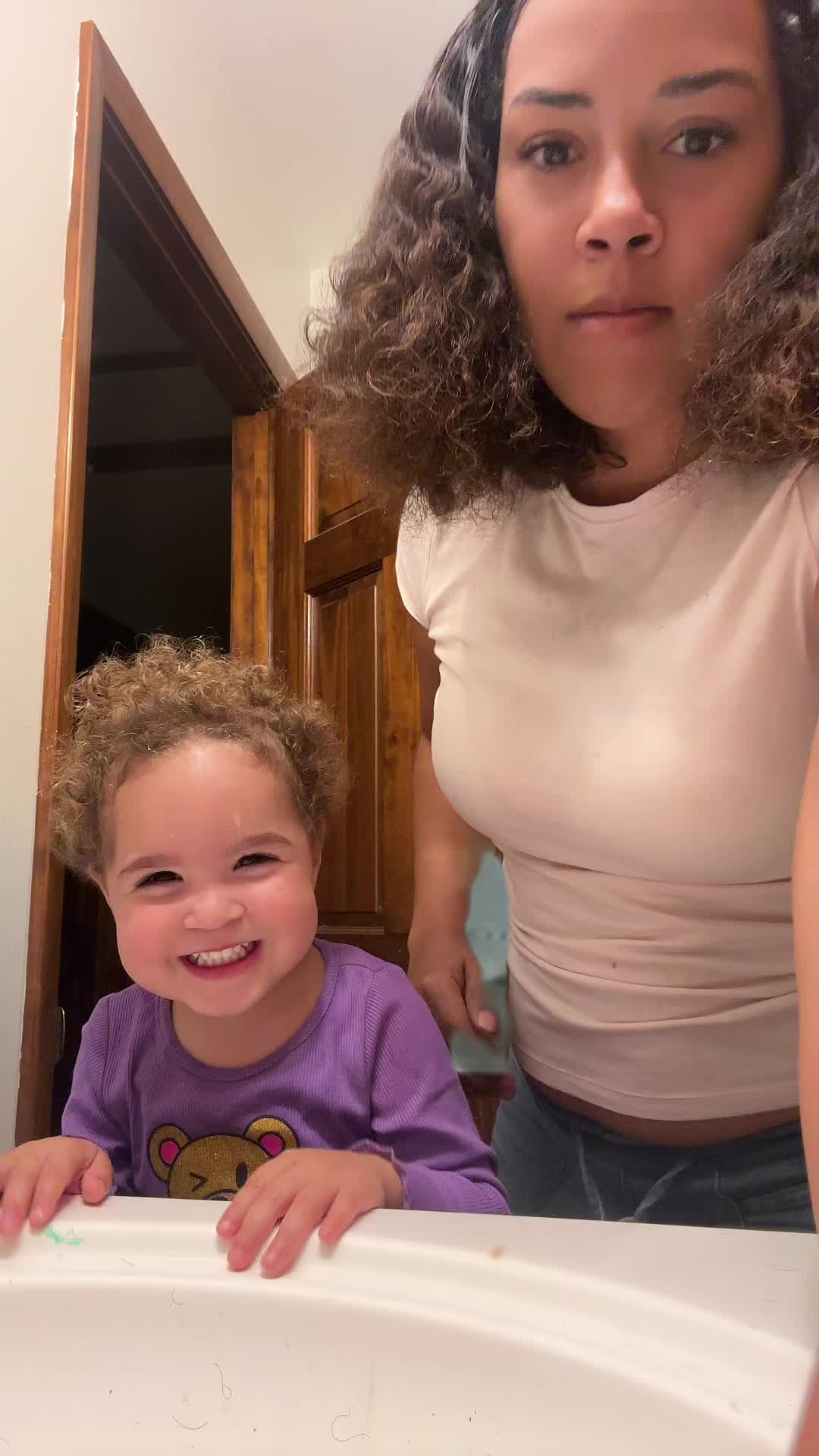
Compare the authorized original, the fixed adult template and three more sourced TikTok examples. Linked cards open the original post.

HOW IT WORKS

From portrait to prank in three steps

  1. 01

    Add one portrait

    Choose a sharp, front-facing photo of one consenting adult.

  2. 02

    Choose quality

    Start with 480p for a faster, lower-cost test, or choose 720p for a sharper result.

  3. 03

    Generate and compare

    Follow Upload, Submit, Generate and Finish. Your completed video replaces the template preview.

Read the step-by-step guide

TEMPLATE RULES

Only the foreground person is replaced

What changes

The foreground adult

Your facial appearance

What stays

The ghost and bathroom

Action order and timing

Camera movement

Template audio

BEFORE YOU GENERATE

A clear boundary for every upload

01

Local first preview

Your selected photo stays in the browser until you start generation.

02

Adult portraits only

Use one adult portrait you own or have clear permission to use.

03

Fixed scene

The ghost, bathroom, timing and camera movement come from the approved template.

04

Real job status

The four-stage progress follows the submitted provider task; it is not a decorative timer.

FAQ

Before you upload

What photo works best?

Use one sharp, front-facing adult portrait with even light and the face and shoulders visible. Avoid group photos, heavy filters and face coverings.

What changes in the video?

Only the foreground person is replaced. The ghost, bathroom scene, action order, timing and camera movement stay tied to the fixed template.

Where does the sound come from?

The current MVP uses the template audio. We do not claim that the sound is generated by AI.

When is my photo uploaded?

The preview stays local until you press Generate. Starting generation uploads the selected photo to the configured provider workflow.

What happens if generation fails?

The page shows the provider failure and lets you try again. Payment, automatic refunds and credit-return rules are not yet verified.